- Basic
- Plus
- Medium
- Major
- Destination
Every stop, sized
From a basic fuel stop to a full destination services, each site gets a clear size so you can skip the ones that won't do.

Journey well.
Plan your drive around the stops you actually want. Terns shows every suitable service station on your route, so you can pick where to charge, fuel up and eat before you set off.
Coming soon to iPhone and Android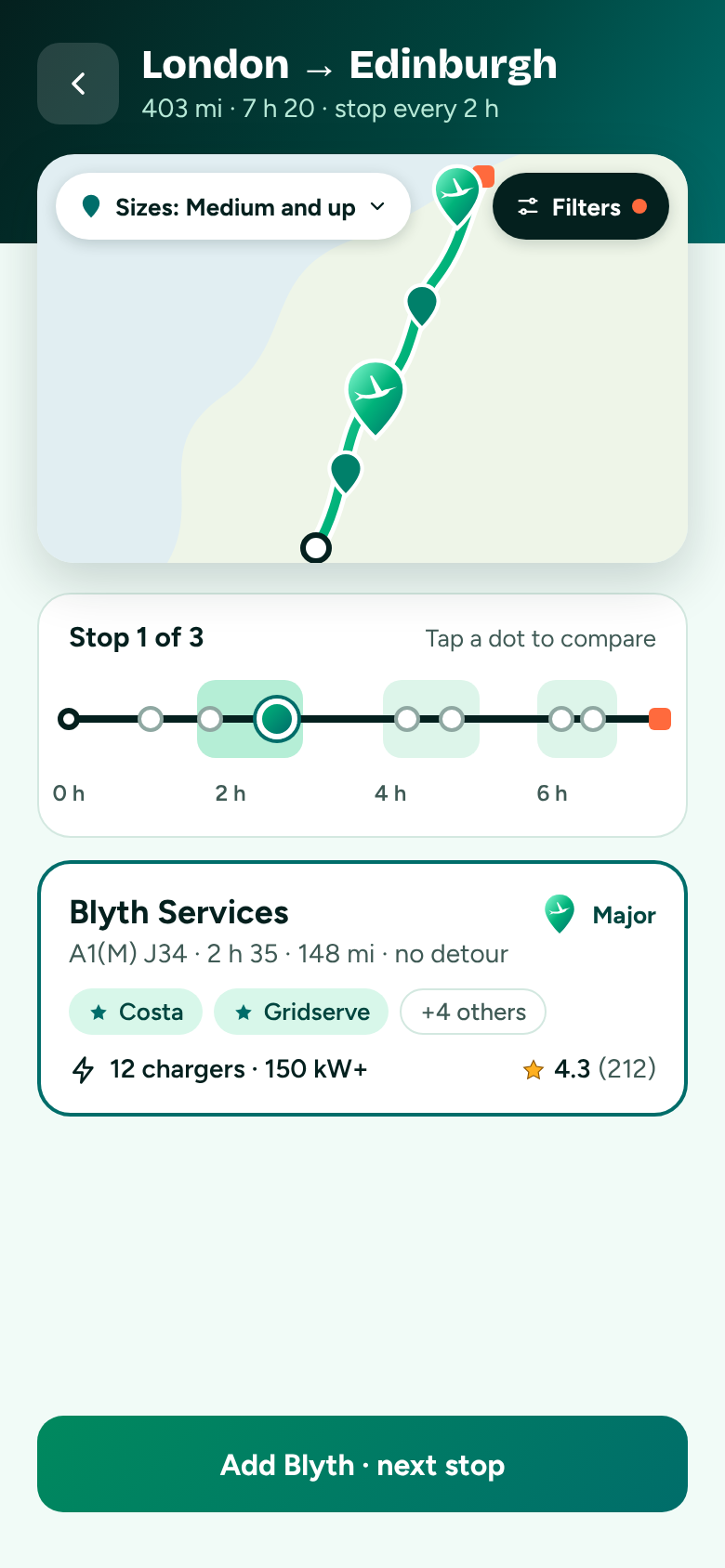
How it works
Most route planners treat a stop as an afterthought. Terns starts with the stop.
Tell Terns where you're going and how often you like to stop.
See every suitable service station along the way and compare them side by side.
Send the finished route to Google Maps, Apple Maps or Waze and drive as normal.
What you get
More than 340 service areas across the UK, each one sized up so you know what to expect.
From a basic fuel stop to a full destination services, each site gets a clear size so you can skip the ones that won't do.
EV chargers and their speeds, fuel, food and shops, toilets, dog areas and more.
Star the coffee, food and charging brands you like and Terns points them out on every trip.
No new driving app to learn. Terns plans the stops, then your usual maps app takes you there.
Terns on Apple CarPlay, so your next stop is always in view.
Terns is being tested now and will be on the App Store and Google Play soon.